How to Buy a Fishing License on the GoOutdoors Iowa App
There’s nothing quite like the sudden urge to hit the water when the weather breaks just right, or finding yourself unexpectedly near a perfect fishing spot only to realize you left your fishing license at home. We’ve all been there, feeling that pang of frustration. Thankfully, the Iowa Department of Natural Resources (DNR) has streamlined the process, making it incredibly easy to get your license anytime, anywhere, right from your smartphone. This guide will walk you through exactly how to purchase your Iowa fishing license using the GoOutdoors Iowa app, ensuring you're always ready for your next angling adventure.
The Convenience of the GoOutdoors Iowa App for Anglers
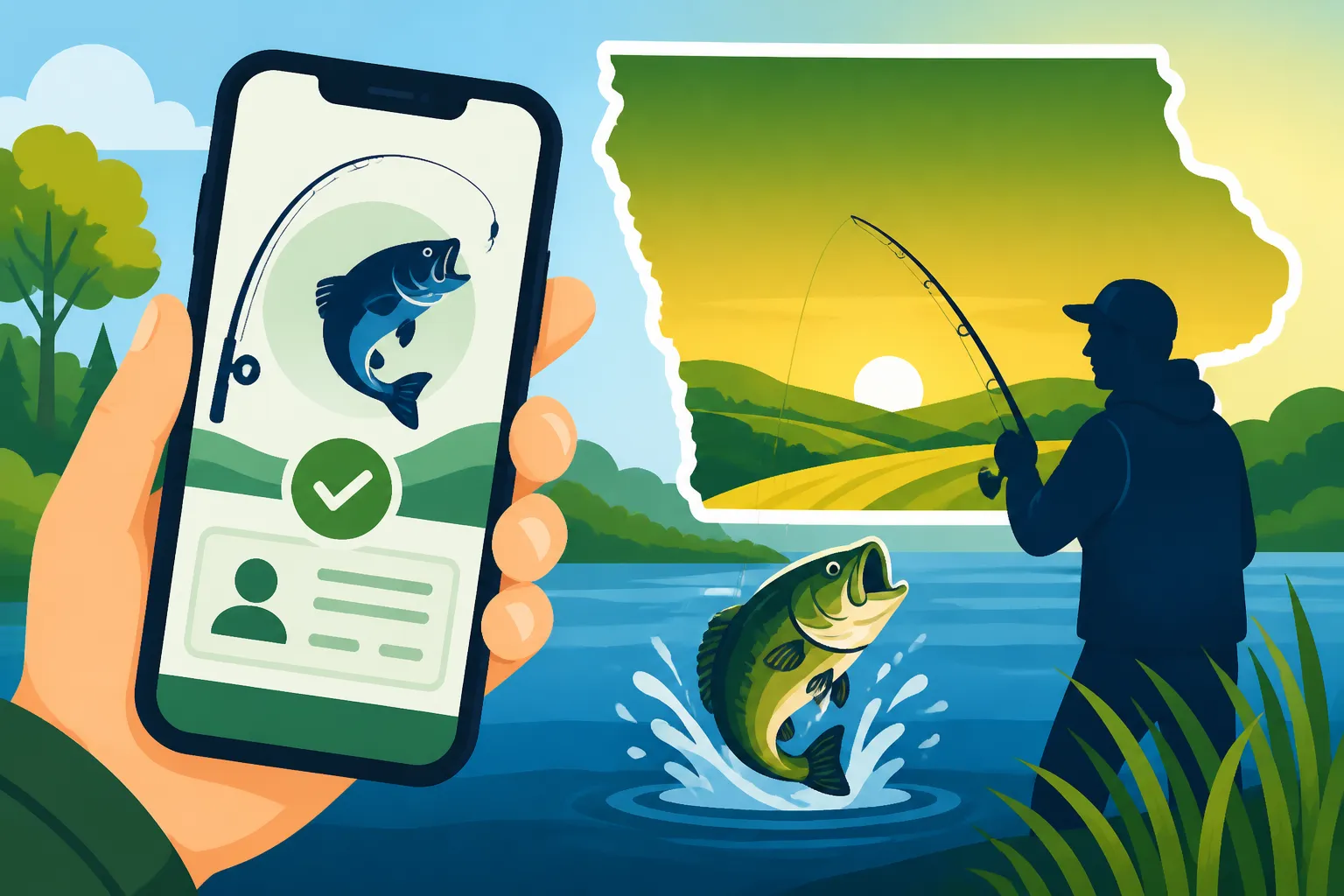
Gone are the days when buying a fishing license meant a special trip to a bait shop, a sporting goods store, or a DNR office during business hours. The GoOutdoors Iowa app puts that power directly in your pocket, making spontaneous fishing trips a real possibility and eliminating the worry of forgetting your physical card.
Why Mobile Licensing is a Game-Changer
Imagine you're driving through a scenic part of Iowa, maybe near the Des Moines River, and you spot a promising stretch of water. Or perhaps you're visiting friends and they suggest an impromptu outing to a local pond. In the past, this might have meant scrambling to find an open retailer, potentially wasting precious fishing time or even missing out entirely. With the GoOutdoors Iowa app, those worries are largely a thing of the past. Your phone is almost always with you, making your license accessible 24/7. It’s an absolute game-changer for convenience, especially if you’re traveling or have a hectic schedule that doesn't align with traditional store hours. You can literally be standing by the water, realize you need a license, and have one purchased and ready to go in minutes. This digital accessibility also significantly reduces the risk of losing or damaging a physical license, as you always have a digital copy on your device.
Beyond Just Licenses: What Else the App Offers
The GoOutdoors Iowa app is much more than just a place to buy your fishing license. It's a comprehensive tool designed to enhance your outdoor experience. Beyond purchasing various permits like your Iowa Resident Annual Fishing License or even specific stamps like the Iowa Trout Fishing Fee and Stamp Guide, the app also provides immediate access to critical information. You can easily look up current Iowa Fishing Regulations Explained, check daily bag limits, and even report your harvests directly through the app. This integrated approach means you have a powerful resource at your fingertips for planning your fishing trips, staying compliant with regulations, and contributing valuable data to the DNR. It’s also a fantastic way to discover new fishing spots, giving you information on public access points and what species might be biting.
A Step-by-Step Guide to Purchasing Your Iowa Fishing License on the App
Ready to ditch the paper and embrace the digital age of fishing licenses? Here's a detailed walkthrough to get your Iowa fishing license purchased and ready to go using the GoOutdoors Iowa app.
Downloading and Setting Up Your Account
First things first, you need to get the app on your phone.
- Find the App: Head to your phone's app store – either the Apple App Store for iPhones or the Google Play Store for Android devices. Search for "GoOutdoors Iowa." You should see the official app published by the Iowa Department of Natural Resources.
- Download and Install: Tap "Download" or "Install." It’s a free app, so no worries about upfront costs.
- Open the App and Create/Log In: Once installed, open the app. If you’ve purchased an Iowa fishing or hunting license online before, you might already have an account. Try logging in with your existing credentials. If you're a new user or can't remember your details, select "Create Account" or "Register." You'll typically need to provide some basic information like your name, date of birth, and an email address. Make sure all your information is accurate, as it will be linked to your official licensing profile. This is also where you'll establish your residency, which is crucial for determining the correct Iowa Fishing License Costs.
Navigating to the License Purchase Section
Once you're logged in, the app's interface is designed to be user-friendly:
- Home Screen: You'll usually land on a home screen with various options. Look for a clear button or menu option labeled "Buy License," "Licenses & Permits," or something similar. It's usually prominently displayed.
- Select Licensing Type: The app might ask you to specify what kind of license you're looking for – typically "Hunting" or "Fishing." Select "Fishing" to proceed.
- Choose Purchase Options: You may then be presented with options like "Buy New," "Renew Existing," or "View Licenses." For a new purchase, select "Buy New." If you’re looking to renew a current license, the app makes Renewing an Iowa Fishing License incredibly straightforward.
Selecting Your License Type
This is where you pick the exact license that fits your needs:
- Identify Residency: The app will usually confirm your residency status (Iowa resident vs. non-resident). This is a critical step, as Iowa Fishing License Costs differ significantly for residents and non-residents. Ensure this is correct based on your established profile.
- Browse Available Licenses: You'll see a list of available fishing licenses. Common options include:
- Annual Resident Fishing License: Perfect for Iowans who plan to fish regularly throughout the year.
- Annual Nonresident Fishing License: For our friends visiting from out of state.
- One-Day Fishing License: Ideal for a quick trip or if you're just trying out fishing in Iowa.
- Three-Day Nonresident Fishing License: A great option for weekend visitors.
- Seven-Day Fishing License: Another flexible option for non-residents on an extended trip.
- Outdoor Combo Hunting and Fishing License: If you enjoy both sports, this often offers a combined value.
- Trout Fee: Remember, if you plan on targeting trout in designated trout streams, you'll need to add an Iowa Trout Fee for Fishing License Holders, even if you have an annual license. The app will usually prompt you to add this if applicable or list it as a separate purchase.
- Add to Cart: Select the license(s) you need and add them to your cart, similar to online shopping. Take a moment to review your selections to ensure you have the correct type and duration for your planned fishing.
Completing Your Profile and Payment
Once your cart is loaded, it's time to finalize the purchase:
- Review Personal Information: The app will likely display your personal information for review. Double-check your name, address, and date of birth to ensure they are accurate. If anything is incorrect, you may need to go back to your profile settings to update it. Accurate information is crucial for your license to be valid.
- Confirm Residency: The system will use the information provided to verify your Iowa residency. For example, college students often ask, "Can College Students Get an Iowa Resident License?". The app will guide you based on the rules.
- Payment Information: You'll be prompted to enter your payment details, such as a credit or debit card number, expiration date, and security code. The app uses secure payment processing, so your financial information is protected.
- Complete Purchase: After entering your payment information, confirm your purchase. You'll typically receive an order confirmation within the app and via email. This process usually goes very smoothly, often quicker than trying to buy something similar from a major online retailer like Amazon.
Accessing Your Digital License
The best part about using the GoOutdoors Iowa app? Instant access to your license!
- View Your License: Immediately after purchase, your license should appear under a "My Licenses" or "My Permits" section within the app. It will display your name, license type, effective dates, and a unique license number. This digital display is your official proof of license.
- Screenshot or Download (Optional, but Recommended): While the app is designed to always show your license, cell service can be spotty in some of Iowa's beautiful, remote fishing locations. It’s a good practice to take a screenshot of your active license or see if the app offers a download option. This way, even if you lose service, you still have visual proof on your phone.
- Be Ready for the Warden: If a conservation officer asks to see your license, simply open the GoOutdoors Iowa app, navigate to your "My Licenses" section, and present the digital version. It's fully legal and accepted.
Common Questions and Troubleshooting for App Users
Even with the best technology, questions and occasional hiccups can arise. Here are answers to some common concerns.
What If I Don't Have My Phone or Battery Dies?
This is a valid worry for many anglers. You're out on the water, having a blast, and suddenly your phone battery gives up the ghost. Or maybe you just prefer to leave your phone in the car.
- Physical Copy: The Iowa DNR usually offers the option to print your fishing license at home after purchase through their main GoOutdoorsIowa website. While the app is super convenient, having a printed copy tucked into your tackle box or wallet is a fantastic backup. This means you can still be in compliance even if your phone fails. You can find instructions on how to do this in our guide, Can I Print My Fishing License at Home?
- Other Identification: Always carry a form of photo identification with you, such as your driver's license. Conservation officers can use this to look up your licensing information in their system, but having your license readily available (digital or physical) makes the process much quicker and smoother. Think of it like this: while they can look it up, it's your responsibility to present it. If you're going to rely solely on your phone, consider a portable charger, perhaps one you picked up from Amazon, to ensure your device stays powered.
Dealing with Payment Issues or App Glitches
Technology isn't always perfect, but most issues are easily resolved.
- Payment Denied: If your payment is denied, double-check your card number, expiration date, and CVV. Ensure your billing address matches what's on file with your bank. Sometimes, banks flag online purchases as suspicious, so a quick call to your bank can resolve the issue.
- App Freezing/Crashing: Try closing and restarting the app. If that doesn't work, clear the app's cache (in your phone's settings under Apps) or even uninstall and reinstall it. Make sure your phone's operating system is up to date, as older software can sometimes cause compatibility issues.
- License Not Appearing: After a successful purchase, if your license doesn't immediately show up, try logging out and logging back into the app. Sometimes it just needs a refresh. If it still doesn't appear after a few minutes, check your email for the confirmation. If you have a transaction ID, you can contact the Iowa DNR customer service for assistance. They can verify your purchase and help you access your license.
When the 2026 Iowa Fishing License Goes On Sale
It's a common question, especially as the year winds down and anglers start planning for the next season. Iowa's fishing licenses typically run on a calendar year, but they become available for purchase well in advance. Generally, the new year's licenses, including the 2026 Iowa Fishing License, go on sale around mid-December of the preceding year (so, December 2025 for a 2026 license). The GoOutdoors Iowa app will be one of the first places where these new licenses are available, often before physical retailers fully stock up. Keep an eye on the app around that time, or check the official DNR website for precise release dates.
Comparing App Purchase to Other Methods
While the GoOutdoors Iowa app offers unparalleled convenience, it's not the only way to acquire your fishing license. Understanding your options can help you choose the best method for your needs.
Online Portal vs. App
The GoOutdoors Iowa platform also offers a robust online portal accessible via any web browser on your computer or tablet.
- Online Portal Strengths: If you prefer a larger screen, more detailed forms, or want to print multiple licenses for family members, the full website can be a bit more comfortable to navigate. It offers the same range of licenses and secure payment options as the app. It's also a great resource for detailed information on Iowa Fishing Season Dates and Limits, fish species, and public fishing areas.
- App Strengths: The app truly shines for on-the-go purchases. Its streamlined interface is optimized for smaller screens and quick transactions. It also provides that handy digital license that's always with you. For a quick purchase or reference at the lake, the app is generally faster and more immediate.
Local Retailers and DNR Offices
For those who prefer a more traditional approach or want to support local businesses, buying a license in person is still an option.
- Retailers: Many bait shops, sporting goods stores (like a local Scheels or Cabela's), and even some general merchandise stores across Iowa are authorized vendors for fishing licenses. This method allows you to ask questions, perhaps pick up some bait or tackle, and get a physical printout of your license immediately. This is the traditional answer to "Where to Buy a Fishing License in Iowa."
- DNR Offices: You can also purchase licenses at various Iowa DNR offices. While less numerous than retailers, these locations offer direct assistance from DNR staff who can help with any complex licensing questions or unique situations, such as applying for special permits or understanding specific Iowa Fishing Regulations Explained.
Here’s a quick comparison of the purchasing methods:
| Feature | GoOutdoors Iowa App | GoOutdoors Iowa Website (Online) | Local Retailer/DNR Office |
|---|---|---|---|
| Convenience | Highest (anytime, anywhere) | High (anytime, internet needed) | Moderate (store hours, travel) |
| Speed of Purchase | Very Fast | Fast | Moderate (wait times) |
| Instant Digital License | Yes | Yes (can save/print) | No (physical printout) |
| Physical Printout | Optional (via website access) | Yes (user prints) | Yes |
| Access to Regulations | Yes (within app) | Yes (linked on website) | No (may have booklets) |
| Support Local Business | Indirect | Indirect | Direct |
| Payment Options | Credit/Debit Card | Credit/Debit Card | Credit/Debit Card, Cash |
| Requires Internet/Data | Yes | Yes | No |
The GoOutdoors Iowa app truly simplifies the process of getting your fishing license, making it easier than ever to enjoy Iowa’s fantastic angling opportunities without unnecessary hassle. So, download it today, get your license, and hit the water!
Disclaimer
The information provided in this guide is for general informational purposes only and is subject to change. Always consult the official Iowa Department of Natural Resources (DNR) website or regulations booklet for the most current and accurate licensing information, fees, and fishing regulations. It is the angler's responsibility to understand and comply with all applicable laws.