Buying an Iowa Fishing License on the GoOutdoors App
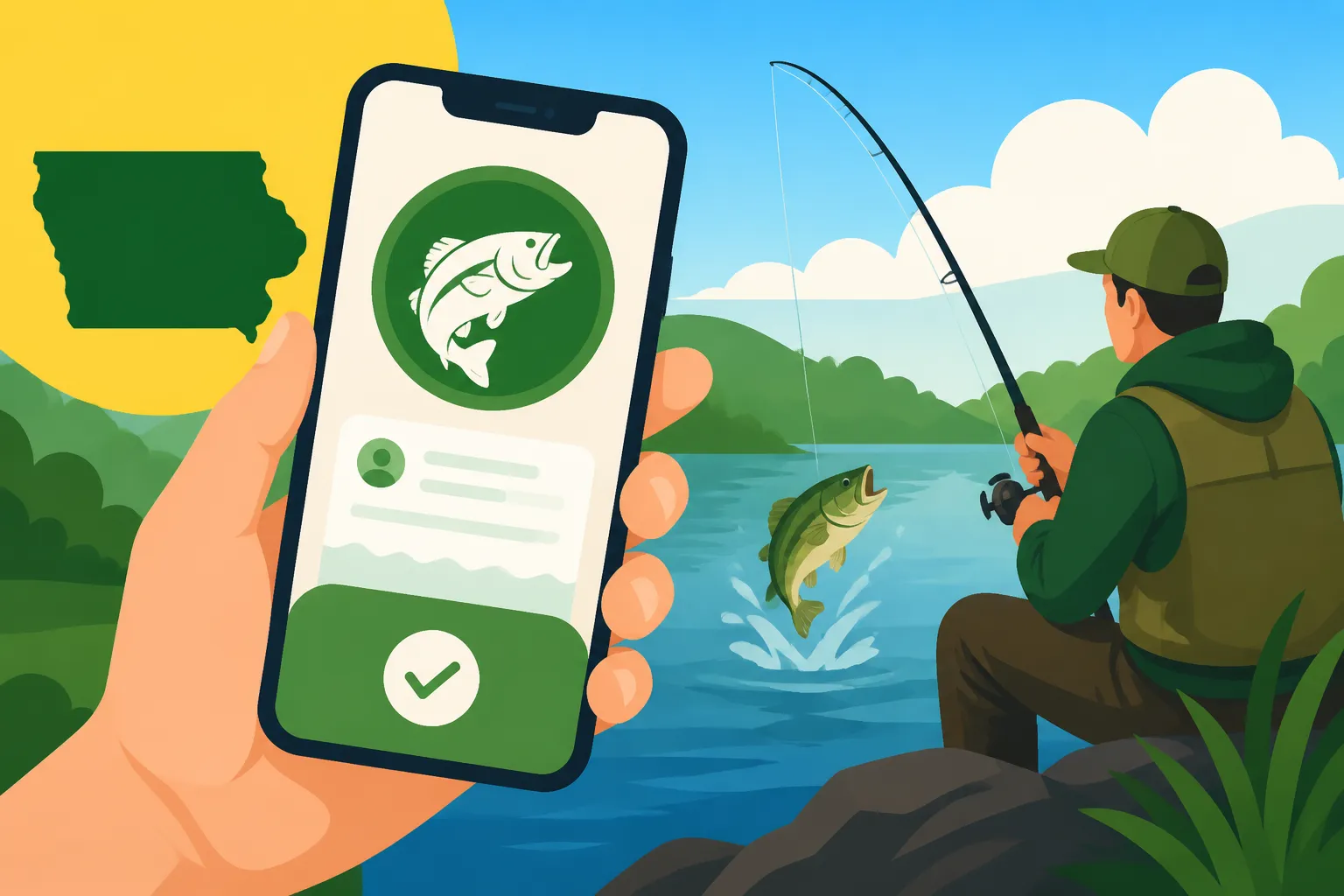
Let's be real for a moment: nobody enjoys waiting in line at a bait shop or driving out of their way, only to find the store closed, when all you want to do is get your fishing license and hit the water. It's a common frustration, especially when that perfect fishing window opens up unexpectedly. This guide is all about simplifying that process, walking you through how to effortlessly purchase your Iowa fishing license right from your smartphone using the convenient GoOutdoors Iowa app, so you can spend less time on paperwork and more time reeling in those Hawkeye State catches.
Why the GoOutdoors Iowa App is a Game Changer for Anglers
Gone are the days when a paper license was your only option, destined to get soggy in your wallet or mysteriously disappear between fishing trips. The GoOutdoors Iowa app has revolutionized how Iowans (and out-of-state visitors!) acquire their fishing licenses, bringing unparalleled convenience right to your fingertips. This isn't just about avoiding a trip to the store; it's about having total flexibility and peace of mind.
The Convenience of Digital Access
Imagine you're on a spontaneous road trip, passing a beautiful body of water, and decide to cast a line. Or maybe you've just realized your annual license expired yesterday and you're already at your favorite fishing spot. With the GoOutdoors Iowa app, these scenarios are no longer stressful. You can literally pull out your phone, tap a few buttons, and within minutes, you're legally ready to fish. It's truly a lifesaver for those last-minute decisions or when you find yourself miles from the nearest license vendor. This immediate access ensures you never miss a prime fishing opportunity because of a forgotten or expired license.
Avoiding Common Frustrations
Let's talk about the pain points the app eliminates. How many times have you been to a store only to find the person behind the counter isn't quite sure how to process a fishing license, leading to delays and confusion? Or perhaps you've struggled with understanding the various options, trying to figure out if you need a specific trout stamp or a nonresident license. The app streamlines this by clearly presenting your options and guiding you through the selection. Plus, no more worrying about losing a paper license or having it get ruined in a sudden rain shower. Your digital license is always accessible on your device, even without cell service once downloaded. You can learn more about all the options in our comprehensive Iowa Fishing License Guide.
Getting Started: Downloading and Setting Up the App
Diving into the digital world of Iowa fishing licenses starts with just a few simple steps. The GoOutdoors Iowa app is designed to be user-friendly, but like any new technology, a little guidance can make the process smoother.
Where to Download the Official App
The first thing you'll need to do is download the GoOutdoors Iowa app. It's available for both Apple (iOS) and Android devices, so you're covered no matter what smartphone you carry. Head over to your device's app store – that's the App Store for iPhones and the Google Play Store for Androids. Simply search for "GoOutdoors Iowa" and look for the official application from the Iowa Department of Natural Resources (DNR). Make sure you're downloading the correct one to avoid any unofficial or outdated versions. While you're waiting for your app to download, you might even browse for a new tackle box on Amazon to complement your new digital convenience!
Creating or Accessing Your Account
Once the app is downloaded and installed, you'll need to create an account or log in if you already have one. If you've ever purchased an Iowa hunting or fishing license online through the Iowa DNR website, you likely already have an account. Just use your existing login credentials. If you're new to the system, the app will prompt you to create a new account, which typically involves providing some basic personal information like your name, address, date of birth, and potentially an email address and phone number. This information helps the DNR verify your identity and residency for license purposes, which is crucial for determining costs, as explained in our guide on Iowa Fishing License Costs. Having your details stored makes future purchases incredibly quick.
Navigating the App to Find Your License
Once you're logged in, the app's interface is pretty straightforward, but knowing where to look for specific license types can save you a few taps. It's designed to be intuitive, whether you're a seasoned angler or a complete beginner.
Exploring License Options
Upon logging in, you'll usually see options to view your current licenses or purchase new ones. Tap on "Purchase Licenses" or a similar prompt. From there, you'll be presented with a list of available licenses. This is where you'll select the type of fishing license you need. Are you an Iowa resident looking for an annual pass? Or perhaps a visitor needing a short-term permit? The app typically organizes these by category:
- Annual Licenses: For residents, this would be your standard Iowa Resident Annual Fishing License. Nonresidents will find their annual options here too.
- Short-Term Licenses: Planning a quick trip? You'll find options like the Iowa One-Day Fishing License or the Iowa Three-Day Nonresident Fishing License, perfect for weekend getaways.
- Specialty Fees/Stamps: If you're planning on chasing trout, you'll also need to add the appropriate trout fee. The app will usually prompt you if this is required based on the waters you plan to fish, or you can add it separately.
Take your time to browse and select exactly what you need. Each option usually has a brief description to help you understand what it covers.
Understanding Residency Requirements
One of the most common questions revolves around residency: "What counts as an Iowa resident for license purposes?" The app, like the online portal, will rely on the information in your account to determine your residency status. Generally, to qualify as an Iowa resident, you must have lived in the state for at least 90 consecutive days immediately before applying for a license. Providing accurate information is key, as obtaining a resident license falsely can lead to penalties. If you're unsure, it's always better to double-check the Iowa DNR's official definitions, as the app will use these same rules. This is especially important for college students or those who might have homes in multiple states. Having your license on your phone is great, but don't forget the physical essentials you might grab from Amazon, like a good pair of polarized sunglasses or a sturdy multi-tool.
The Purchase Process: From Cart to Confirmation
Once you've selected your desired licenses and stamps, the app makes the checkout process incredibly smooth, much like any online shopping experience you're used to.
Adding to Cart and Reviewing Your Order
After selecting a license, it will typically be added to a "cart" or "checkout" area. Before proceeding, take a moment to review your selections. Double-check that you've got the correct license type (e.g., annual vs. one-day), that your residency status is correctly applied, and that any necessary stamps (like the trout fee, if you plan to fish designated trout streams) are included. This is your last chance to make sure everything is perfect before payment. If you're confused about whether you need a trout fee, our guide Does an Iowa Fishing License Cover Trout Automatically? can help clarify.
Payment and Confirmation
When you're ready, proceed to payment. The GoOutdoors Iowa app accepts major credit and debit cards, just like most online retailers. You'll input your card details, confirm your billing address, and then authorize the payment. The app uses secure encryption to protect your financial information, so you can make your purchase with confidence.
Once your payment is processed, you'll receive a confirmation screen within the app, often accompanied by an email confirmation sent to the address associated with your account. This confirmation will typically include your license number and details. It’s a good practice to save this confirmation email, just in case you ever need to reference it. The app will then update your "Current Licenses" section, making your new digital license immediately available.
Here's a quick rundown of the typical purchase steps:
| Step | Action | Details |
|---|---|---|
| 1. | Download & Install App | Search "GoOutdoors Iowa" in your device's app store (iOS or Android). |
| 2. | Log In or Create Account | Use existing credentials or set up a new account with personal info (name, address, DOB, email). |
| 3. | Select "Purchase Licenses" | Navigate to the license purchasing section from the main menu. |
| 4. | Choose License Type | Browse and select your desired fishing license (e.g., Iowa Nonresident Annual Fishing License, 1-day, annual resident). |
| 5. | Add Required Stamps/Fees | If applicable, add a trout fee or other special stamps. |
| 6. | Review Cart | Double-check license types, quantities, and total cost. |
| 7. | Enter Payment Information | Input credit/debit card details and billing address securely. |
| 8. | Confirm Purchase | Authorize payment and wait for confirmation. |
| 9. | Access Digital License | Your new license will appear in the "Current Licenses" section of the app. |
Accessing and Displaying Your Digital License
The beauty of the GoOutdoors Iowa app is that your license isn't just purchased; it's immediately accessible and ready to display whenever a conservation officer asks to see it. No more rummaging through your wallet or wondering where you put that paper copy.
Your Digital License in the App
After your purchase, simply navigate to the "Current Licenses" section of the app. Here, you'll see a clear display of all your valid Iowa hunting and fishing licenses. Each license typically shows your name, license type, effective dates, and your unique license number. It's often presented in a clear, easy-to-read format. This screen is your official proof of license. It's always a good idea to refresh the app before heading out, especially if you made a recent purchase, to ensure the latest information is loaded. For those longer trips, consider investing in a portable power bank, easily found on Amazon, to keep your phone charged and your digital license accessible.
What to Show a Conservation Officer
If a conservation officer asks to see your license while you're fishing, simply open the GoOutdoors Iowa app and display the "Current Licenses" screen. This digital display is fully recognized as valid proof of your license by the Iowa DNR. Most officers are familiar with the app, so it's usually a quick and seamless process. Remember, it's your responsibility to be able to present a valid license when requested. While the app is generally reliable, having your phone charged is key! If your phone dies and you can't show your license, you could face consequences, which is something you can read more about in What Happens If You Fish Without a License in Iowa.
Troubleshooting Common App Issues
Even with the best technology, sometimes things don't go exactly as planned. Don't worry, most common issues with the GoOutdoors Iowa app are easily resolved. Being prepared for these small hiccups can save you a lot of frustration when you're trying to get out on the water.
Login Troubles and Account Recovery
Forgetting your password is a classic. If you're having trouble logging in, look for a "Forgot Password" or "Reset Password" link on the login screen. The app will typically guide you through a process to reset your password, often sending a verification code or link to the email address associated with your account. It's crucial to use the email you registered with. If you're still having trouble, or suspect your account details might be incorrect, the Iowa DNR website has a dedicated help section or customer service contact information that can assist with account recovery. Remember, having accurate Proof of Residency Needed for a Fishing License tied to your account helps with these kinds of issues.
Payment Errors and License Not Appearing
Occasionally, a payment might not go through, or your newly purchased license might not immediately appear in your "Current Licenses" section. If you encounter a payment error, double-check your credit card details, including the card number, expiration date, and security code, and ensure your billing address matches what's on file with your bank. Sometimes, a temporary internet connection issue can also cause payment failures.
If your payment seems to have gone through but the license isn't showing up, first try refreshing the app or closing and reopening it. Sometimes it just needs a moment to update. Also, check your email for the confirmation receipt. If you received a confirmation email but the license isn't in the app, or if you were charged but received no confirmation, it's best to contact the Iowa DNR's customer service directly. They can verify your purchase and help ensure your license is properly linked to your app profile.
Important Considerations for All Anglers
While the GoOutdoors Iowa app offers incredible convenience, there are a few general things to keep in mind, especially for new anglers or those navigating different regulations.
Special Exemptions and Rules
It's important to remember that not everyone needs a fishing license in Iowa. For example, specific age groups have exemptions, as detailed in our guide Do Kids Need a Fishing License in Iowa?. Additionally, there are special situations, such as Iowa's annual Iowa Free Fishing Weekend Guide, during which licenses aren't required for anyone. Always check the current regulations, especially if you fall into a category that might be exempt or if you're fishing on private property with landowner permission. The app is for purchasing licenses, but knowing if you actually need one is step one!
Staying Updated with Regulations
The GoOutdoors Iowa app is fantastic for buying licenses, but it's not typically the primary source for detailed, real-time fishing regulations. While it might offer some general information, for comprehensive details on bag limits, size restrictions, and season dates for specific species like Walleye Season and Size Limits or Bass Season and Size Limits, you should always consult the official Iowa DNR Fishing Regulations booklet or their website. Regulations can change, and it's your responsibility as an angler to stay informed to ensure you're always fishing legally and sustainably.
Conclusion
The GoOutdoors Iowa app truly simplifies the process of getting your fishing license, making it easier than ever to enjoy Iowa's fantastic waterways. From the seamless download and account setup to the quick purchase and instant digital display, it's designed with the modern angler in mind. No more missed opportunities because of closed stores or forgotten wallets – with a few taps on your smartphone, you're ready to cast your line. Embrace the convenience, stay informed on regulations, and spend more time doing what you love: fishing!
Disclaimer
The information provided in this article is for general guidance and informational purposes only. While we strive to offer accurate and up-to-date content, fishing regulations, license requirements, and app features can change. Always consult the official Iowa Department of Natural Resources (DNR) website or the GoOutdoors Iowa app for the most current and authoritative information before engaging in any fishing activities.